
Understanding Car Bluetooth Adapters
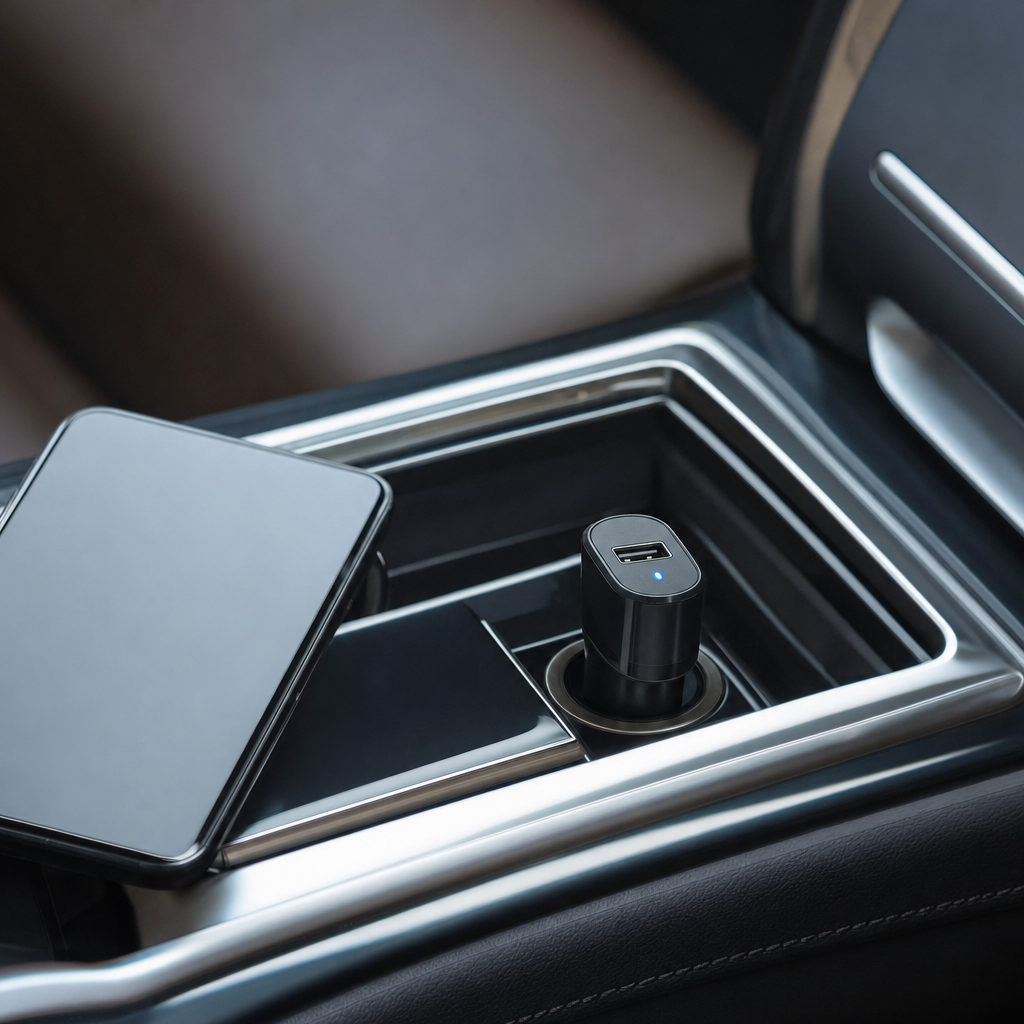
A car bluetooth adapter is a small electronic device designed to bridge the gap between modern smartphones and older vehicle audio systems that lack built-in wireless connectivity. These adapters plug into existing vehicle infrastructure, such as an auxiliary audio jack or a standard cigarette lighter power port, allowing drivers to stream music, podcasts, and navigation directions directly from their mobile phones to the car speakers. As automotive technology has rapidly evolved, many vehicles on the road still rely on traditional factory stereos that only feature AM/FM radios, CD players, or basic wired auxiliary inputs. Upgrading the entire head unit can be expensive, time-consuming, and often requires professional installation services to maintain dashboard aesthetics and steering wheel controls.
Instead of replacing the entire stereo system, utilizing an aftermarket bluetooth receiver provides an affordable, convenient, and reversible alternative for everyday drivers. These devices essentially act as a translator, receiving digital audio signals wirelessly via bluetooth technology from your smartphone and converting them into an analog format that your car stereo can readily understand and play through its speakers. Beyond simple music streaming, many modern adapters incorporate built-in microphones and call control buttons, enabling hands-free telephone conversations that significantly improve driver safety by reducing physical phone handling. Whether you drive a commuter sedan from two decades ago or a utility truck missing factory smartphone integration, these compact gadgets instantly modernize your driving experience without altering your dashboard permanently.
Types of Bluetooth Adapters Available
When shopping for the best car bluetooth adapter, you will quickly encounter several distinct design categories, each tailored to specific vehicle dashboard layouts and audio inputs. The most common variety is the auxiliary-powered adapter, which features a standard 3.5mm headphone plug that connects directly into your car stereo auxiliary port, alongside a USB cable that supplies constant electrical power. Another popular option is the FM transmitter style, which plugs into the 12-volt cigarette lighter socket and broadcasts your phone audio over an unused FM radio frequency that you tune your car radio to receive. Hardwired adapters represent a third category, connecting directly to the back of your vehicle stereo system for a completely hidden installation that eliminates cable clutter and potential radio signal interference entirely.
Each adapter type offers distinct advantages depending on your vehicle model and personal tolerance for visible wires running across your center console. Auxiliary adapters generally deliver the highest possible audio fidelity because they transmit sound through a direct physical connection rather than relying on radio waves. FM transmitters offer universal compatibility since virtually every car on the road possesses an FM radio receiver, making them ideal for older vehicles that completely lack auxiliary input ports. However, FM transmitters can sometimes suffer from static interference when driving through heavily populated metropolitan areas where local radio stations occupy most of the available broadcast frequencies. Hardwired solutions provide pristine audio quality and a clean aesthetic, but they require technical knowledge to install safely without damaging delicate dashboard trim pieces.
Key Features to Evaluate Before Choosing
Evaluating the technical specifications of various bluetooth receivers ensures you select a device that matches your daily listening habits and safety requirements. Bluetooth version compatibility plays a major role in connection stability, audio latency, and overall power efficiency between your phone and the adapter. Modern devices featuring Bluetooth 5.0 or higher offer significantly faster pairing speeds, extended wireless ranges, and lower battery consumption on your mobile device compared to older legacy versions. Additionally, look for adapters that support advanced audio codecs like AAC or aptX if your smartphone supports them, as these codecs deliver noticeably richer sound reproduction with fewer compression artifacts during music playback.
Call quality is another critical consideration, particularly if you frequently take business calls or catch up with family members while commuting during rush hour traffic. High-end adapters often include dual microphones equipped with active noise cancellation technology to filter out road roar, engine vibrations, and air conditioning blower noise. Furthermore, examine the physical controls and user interface of the device to ensure you can easily skip tracks, adjust volume levels, or answer incoming phone calls without taking your eyes off the road ahead. Multi-device pairing capabilities are also exceptionally useful if multiple family members share the same vehicle and frequently need to connect their respective smartphones to the audio system.
- Check your car stereo for a 3.5mm aux port or available 12V power outlet.
- Prioritize Bluetooth 5.0 or newer for stable connections and lower audio lag.
- Look for built-in microphones with noise-reduction features for clear calls.
- Ensure the physical size and button layout suit your dashboard ergonomics.
Practical Guidance for Installation and Setup
Installing your new bluetooth adapter correctly ensures optimal performance and prevents frustrating audio dropouts or power failures while driving. For auxiliary-style receivers, start by plugging the 3.5mm audio cable into the car auxiliary port and connect the USB power cable to a reliable USB charging port or adapter plugged into your cigarette lighter. Turn on your vehicle ignition, switch your stereo source input to auxiliary mode, and wait for the adapter indicator light to begin flashing, which signals it has entered pairing mode. Open the bluetooth settings menu on your smartphone, scan for available nearby devices, select your adapter model from the list, and confirm the pairing request to complete the initial setup process.
For FM transmitter models, the installation workflow differs slightly because you must establish a frequency bridge between the adapter and your vehicle radio tuner. Plug the transmitter securely into the 12-volt power socket and observe the digital LED display showing the current broadcast frequency. Tune your car stereo to an FM frequency that currently plays only static, then adjust the transmitter frequency until it matches the exact same number on your car radio dial. Once the static disappears and you hear a clear audio cue from the transmitter, pair your smartphone via bluetooth and begin playing audio. Adjust the volume levels on both your phone and the car stereo to prevent audio distortion caused by over-amplification.
Troubleshooting Common Bluetooth Issues
Even with high-quality adapters, users occasionally experience minor connectivity glitches or audio performance issues during daily vehicle operation. One frequent challenge is static interference or high-pitched whining noises that occur when using auxiliary adapters connected to the same cigarette lighter power source as a phone charger. This phenomenon, known as a ground loop issue, can be easily resolved by installing a small ground loop noise isolator between the adapter and the auxiliary input port. Another common issue involves the smartphone failing to automatically reconnect to the adapter when starting the vehicle, which usually requires toggling your phone bluetooth settings off and on or clearing the device memory to establish a fresh connection.
Audio delay or lipsync issues can also occasionally arise when watching videos on a phone while connected through certain budget adapters, though this is primarily relevant when passengers view content on mobile screens. Ensuring your phone software is fully updated and keeping the adapter firmware current, if the manufacturer provides a companion mobile app, can mitigate these minor synchronization discrepancies. Additionally, keeping the adapter clean from dust accumulation and avoiding extreme cabin temperature fluctuations by storing portable units in the glove compartment during severe weather helps preserve internal electronic components over years of continuous service.
Frequently Asked Questions
Will a bluetooth adapter drain my car battery if I leave it plugged in?
Most modern adapters automatically power down when the vehicle turns off and the 12V socket loses power. However, in vehicles where power ports stay permanently active, leaving certain adapters plugged in continuously can cause minor battery drain over several days of non-use.
Can I use a bluetooth adapter to charge my phone at the same time?
Many adapters feature integrated USB charging ports that allow you to charge your smartphone while simultaneously streaming audio. Always check the amperage output specifications of the built-in charging port to ensure it charges your specific phone model efficiently.
Why is the audio volume so low when I play music through my adapter?
Low volume output usually happens when your smartphone media volume is set too low or mismatched with the car stereo gain. Always maximize your phone volume first, then adjust the listening volume using your vehicle stereo knob for the best sound clarity.
Do these adapters work with steering wheel audio control buttons?
Standard plug-and-play auxiliary and FM adapters generally do not support factory steering wheel controls because they communicate through audio jacks or radio waves. Hardwired systems professionally integrated into the car wiring harness are typically required to retain steering wheel functionality.
Article Was Generated By AI.